Table of Contents
Free Printable Labor Sheet Templates for U.S. Teams – A printable labor sheet is a simple form used to record hours worked, jobs completed, overtime, and labor cost. In the United States, small businesses, contractors, and hourly employees still use paper or PDF versions every week because they are fast to fill out on a job site and easy to keep with payroll files.
This page explains what a labor sheet should include, how it relates to federal wage-and-hour rules, and where you can download legitimate free templates. Every link below goes to an official government form or a well-known free template page.
What a Printable Labor Sheet Is Used For?
Most people searching for a printable labor sheet need one of these:
- A weekly or daily employee timesheet for payroll
- A construction labor sheet that tracks hours by job, crew, or cost code
- A labor cost worksheet that multiplies hours by pay rate
- A personal work hours log so an employee can compare recorded time with a paycheck
The Fair Labor Standards Act (FLSA) does not require a specific form. Employers may use a time clock, software, or a handwritten labor sheet, as long as the record is complete and accurate. That is why a well-designed printable labor sheet is still a valid starting point for many U.S. workplaces.
What to Include on a Labor Sheet?
A useful labor sheet should capture enough detail for payroll and, if needed, job costing. At minimum, include:
- Employee name and employee ID
- Employer or company name
- Workweek start day and pay period dates
- Date of each workday
- Time in, time out, and unpaid meal breaks
- Regular hours and overtime hours
- Job name, job number, or cost code (for contractors)
- Pay rate, if you also use the sheet to estimate wages
- Employee signature and supervisor approval
- A notes line for travel, weather delays, or extra tasks
Federal recordkeeping rules also expect employers to keep identifying details such as address, occupation, and the basis of pay. Those items can live on the labor sheet, in a personnel file, or in payroll software. The official summary is in the U.S. Department of Labor’s Fact Sheet #21 on FLSA recordkeeping.
Free Printable Labor Sheet Templates for U.S. Teams
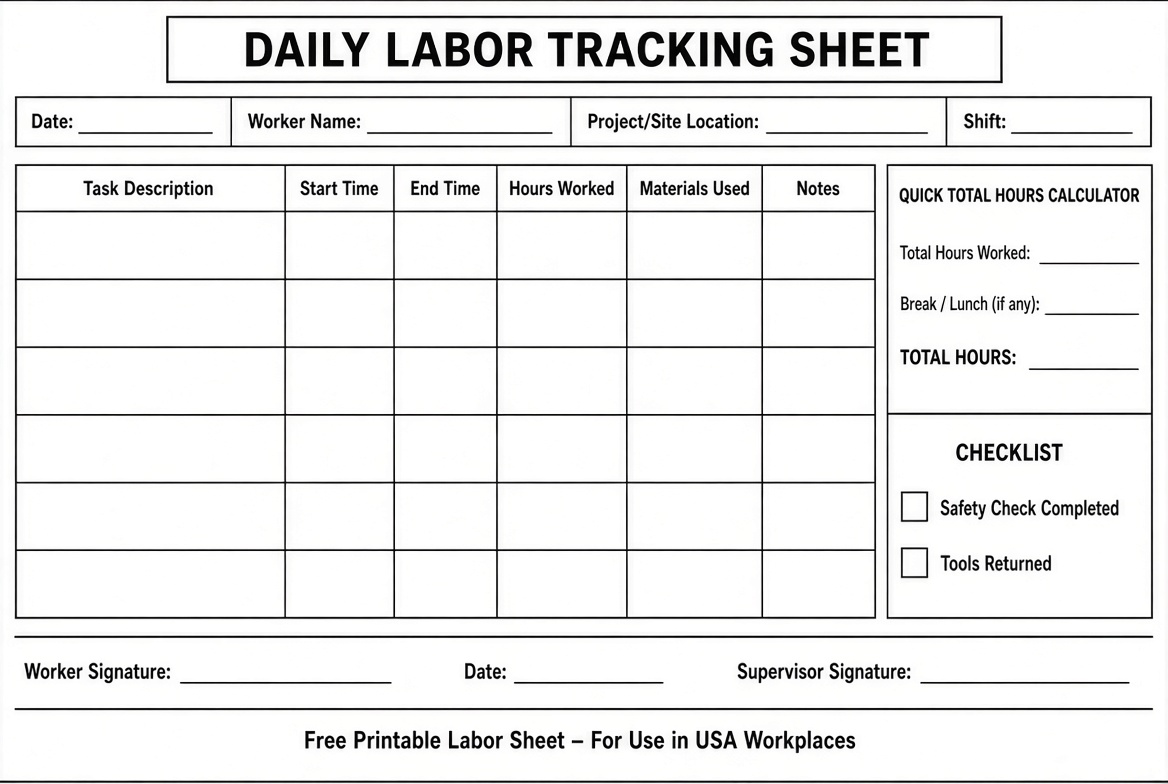
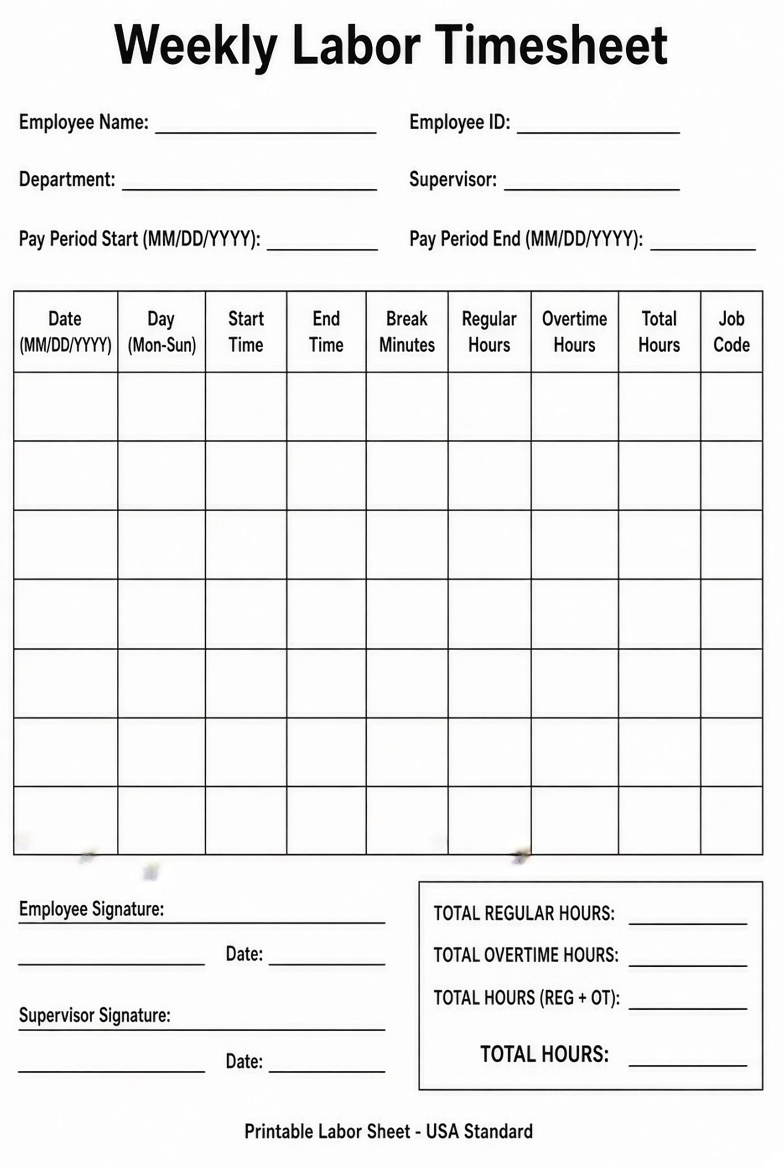
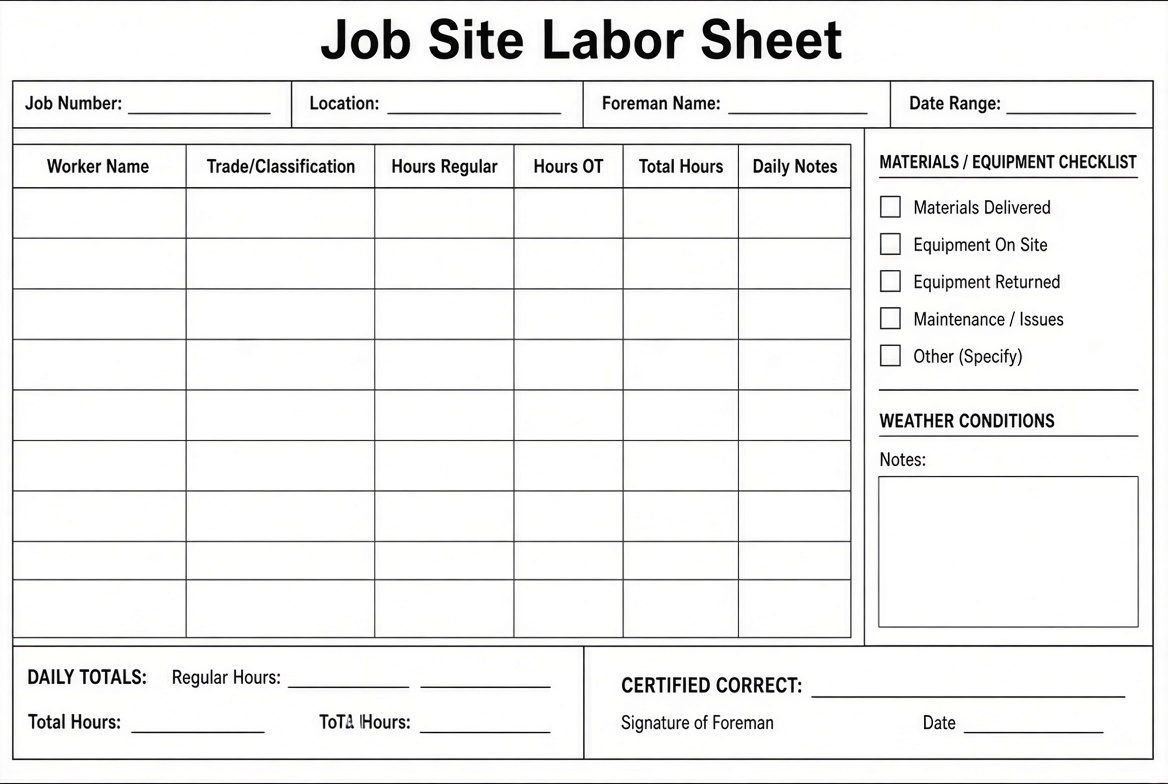
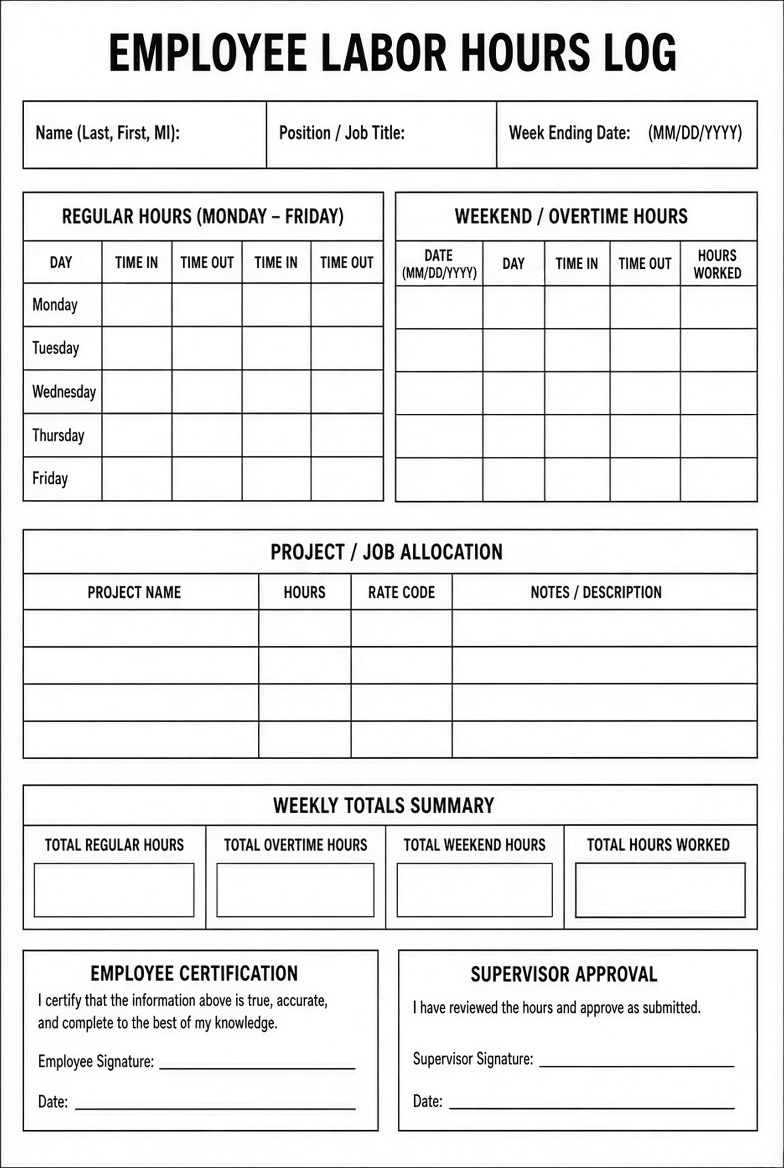
Official Free Printables From the U.S. Department of Labor
If you want a government-issued form rather than a commercial template, start here.
The Wage and Hour Division publishes a free Work Hours Recordkeeper. It is a bilingual English/Spanish weekly log with start time, stop time, lunch, and total hours. Download the official PDF: DOL Work Hours Recordkeeper.
The same agency also offers a free DOL-Timesheet app for iOS and Android. It is not a paper sheet, but it is an official way to track regular hours, breaks, and overtime in English or Spanish: DOL Timesheet App}.
These tools do not replace your state’s rules. Several states, including California, have daily overtime or meal-break requirements that are stricter than federal law. Use the labor sheet as a record, then apply the higher standard that applies to your worksite.
Free Printable Labor Sheet Templates You Can Use Today
If you need a more complete payroll form—with overtime columns, project fields, or automatic totals—these two sources currently offer free downloads.
Vertex42 provides a widely used free weekly and biweekly timesheet for Excel and Google Sheets. You can print a blank copy for crews that fill forms by hand, or keep the formulas so hours and pay calculate automatically. License is for private use, not resale. Get it here: Vertex42 free timesheet template.
Intuit QuickBooks hosts free daily, weekly, monthly, and construction timesheet templates in Excel, Word, PDF, and Google Sheets. The construction version includes trade classification, project or location, job or activity, and hours worked—the fields most U.S. contractors mean when they ask for a printable labor sheet. Browse the set here: QuickBooks free timesheet templates.
Print on standard U.S. Letter paper. If the crew works outdoors, use a clipboard and keep a photo or scan of each signed sheet before the paper gets damaged.
How to Fill Out a Labor Sheet Correctly?
- Write the workweek dates first. Under the FLSA, a workweek is any fixed seven-day period. It does not have to start on Sunday.
- Record actual start and stop times, not just “8 hours.” Rounding is allowed only if it is fair and does not systematically underpay workers.
- Subtract unpaid bona fide meal breaks. Short rest breaks of about 20 minutes or less are generally paid working time.
- Separate regular hours from overtime. Federal overtime is at least 1.5 times the regular rate after 40 hours in a workweek. Some states also require daily overtime.
- Assign hours to a job or cost code if you bill clients or track job cost.
- Have the worker and a supervisor sign the same day or at the end of the pay period.
- File the signed sheet with payroll. Keep payroll records at least three years and time cards or similar wage-computation records at least two years.
A printable labor sheet is only as good as the habit behind it. Collect sheets on a set day, review them before payday, and correct errors in writing.
Construction and Job-Cost Labor Sheets
On a job site, a generic timesheet often is not enough. A construction labor sheet should also show:
- Project name and job number
- Cost code or phase (for example, framing, electrical, punch list)
- Crew or trade
- Straight time, overtime, and double time if your contract or state law uses them
- Travel or shop time, if billable
- Foreman sign-off
That extra detail turns the same hours used for payroll into job-cost data. Many contractors print a daily crew sheet in the field, then roll the hours into a weekly employee timesheet for payroll.
Common Mistakes to Avoid
- Using one unsigned scrap of paper for an entire crew
- Leaving job numbers blank, then guessing at billing time later
- Ignoring unpaid lunch on a 9-hour shift
- Saving only the payroll total and throwing away the daily labor sheet
- Assuming a free template automatically meets every state rule
If you later move from paper to software, keep the old signed sheets for the required retention period.
FAQ
Is a printable labor sheet legal in the United States?
Yes. The Department of Labor allows any accurate timekeeping method, including handwritten sheets. The form itself is not mandated; the information on it is.
Do I have to use a government form?
No. The DOL recordkeeper is optional. Many employers use a custom Excel or PDF labor sheet instead.
Can I use one sheet for several employees?
A daily crew sheet can list multiple workers for one job. For payroll, it is cleaner to keep a weekly sheet per employee so overtime is calculated correctly.
Should salaried employees fill out a labor sheet?
Exempt employees generally do not need hour-by-hour records for FLSA overtime. Nonexempt salaried employees still need daily and weekly hours recorded.
Where should I store completed sheets?
Keep them with payroll files, either as paper or as dated scans. Store them securely because they contain names, hours, and sometimes pay rates.
A printable labor sheet will not run payroll for you, but it will give you a clear, dated record of who worked, where they worked, and how long they worked. Start with the official DOL recordkeeper if you want the simplest free form, or use the Vertex42 or QuickBooks templates if you need overtime columns and construction fields. Then fill it out the same way every week so payroll, job costing, and wage-and-hour compliance all rest on the same numbers.