Table of Contents
Free printable December calendar templates give you a reusable starting point for holiday plans, household schedules, and year-end notes. These pages are undated: choose your year, check which weekday December 1 falls on, and add the dates by hand. If you want dates already printed for a specific year, use the December 2026 calendar.
Choose a December Printable Calendar Template
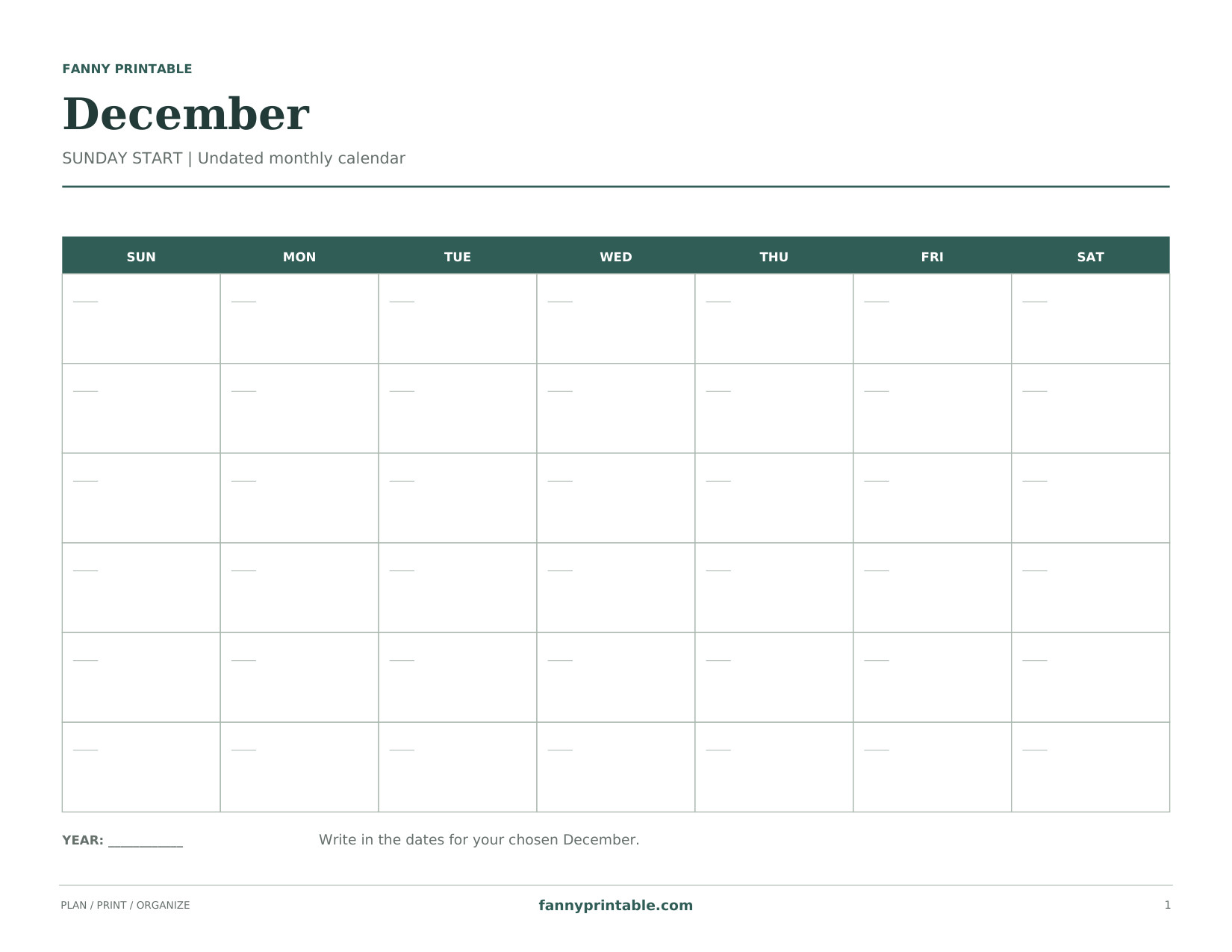
A wide Sunday-start calendar with generous day boxes. The December template is undated; write in your chosen year and weekday placement. No holidays are prefilled.
Download Sunday Landscape PDF
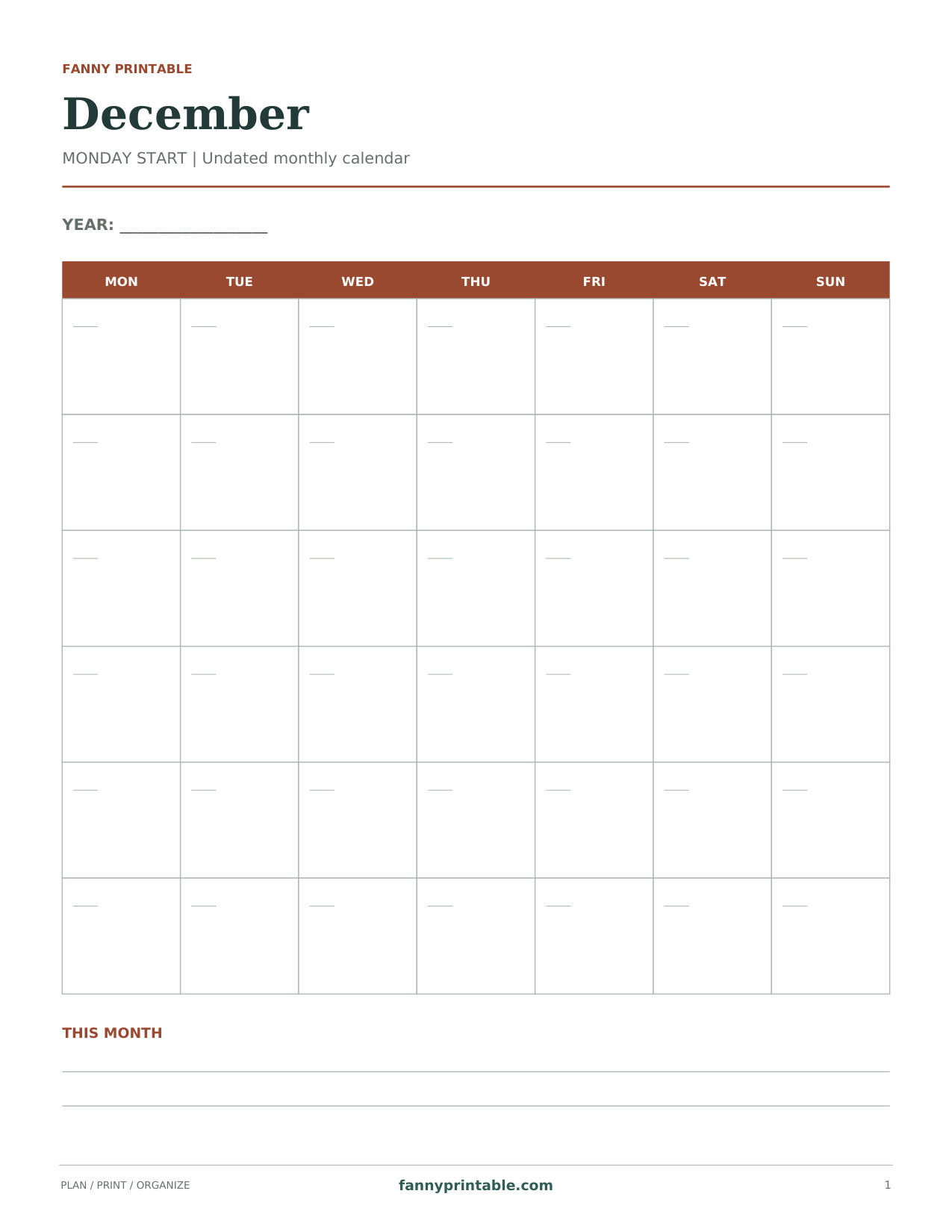
A Monday-start portrait calendar that keeps the weekend together. The December template is undated; write in your chosen year and weekday placement. No holidays are prefilled.
Download Monday Portrait PDF
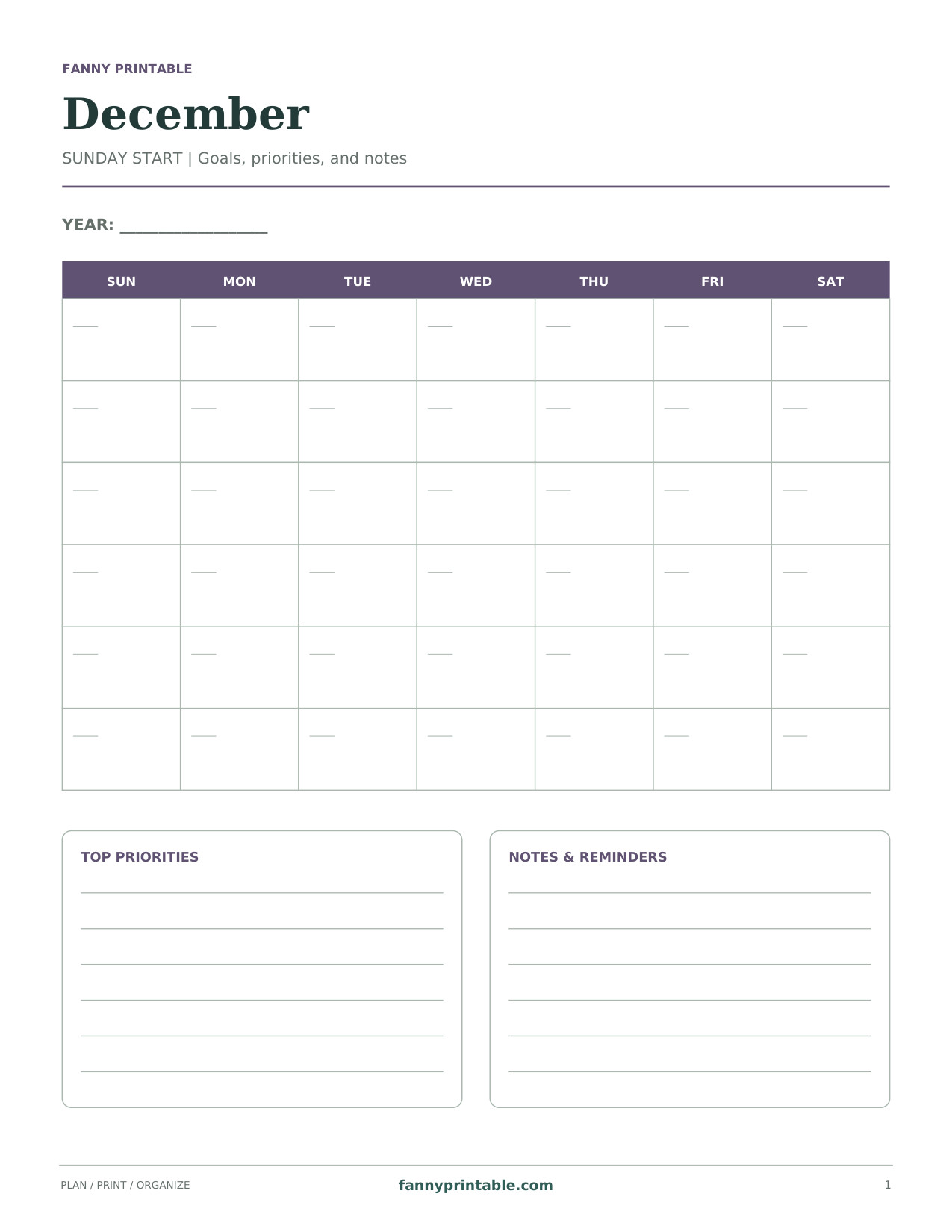
A compact Sunday-start grid above roomy priority and reminder panels. The December template is undated; write in your chosen year and weekday placement. No holidays are prefilled.
Download Goals & Notes PDF
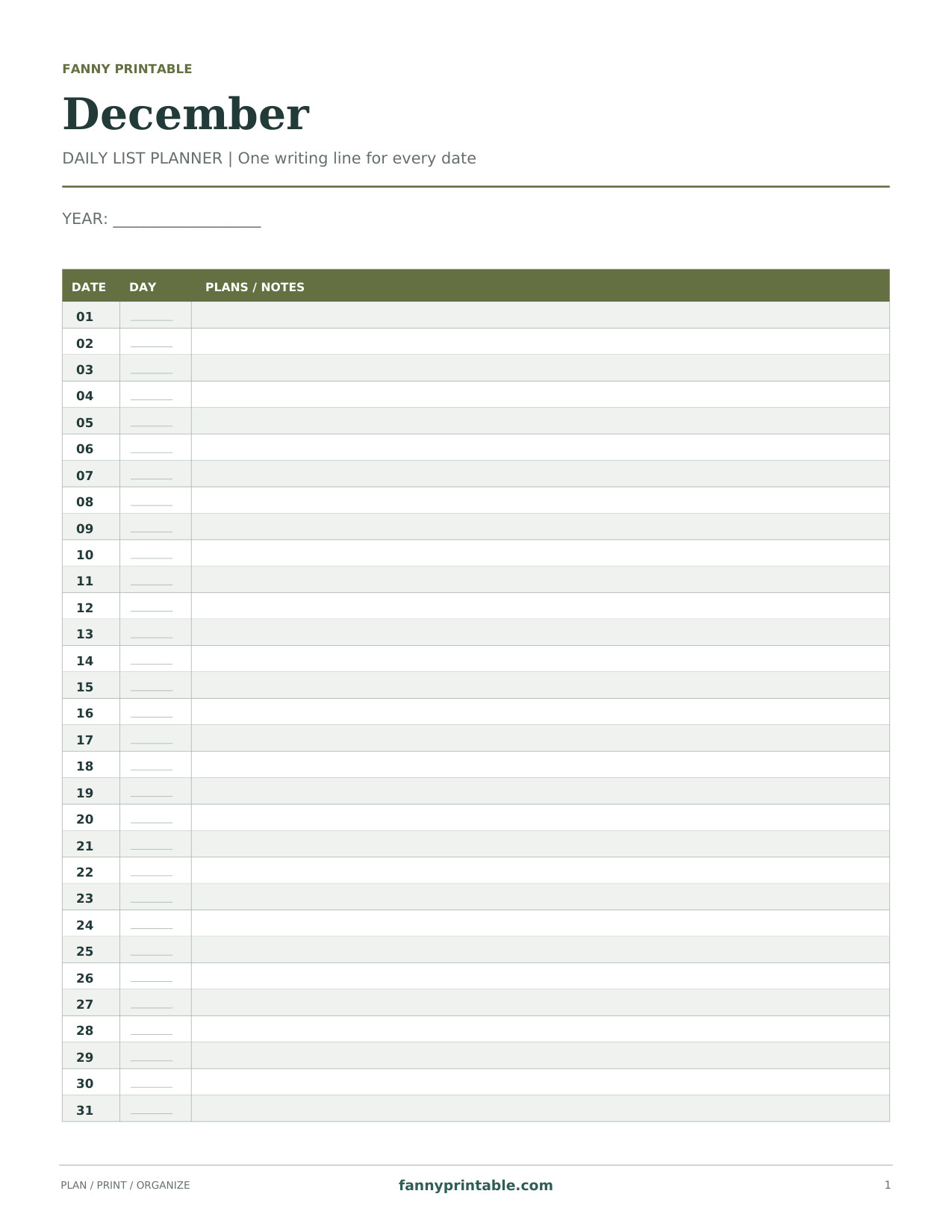
A vertical agenda with 31 date rows and a full-width space for appointments. The December template is undated; write in your chosen year and weekday placement. No holidays are prefilled.
Download Daily List Planner PDF
A December printable calendar can work as a shared family month, an individual work plan, or a simple place to collect reminders. The wide Sunday-start layout provides generous boxes. The Monday-start portrait version keeps weekends together. A notes layout combines the month with written priorities, while the daily list offers a separate line for each date.
How Is an Undated Calendar Different?
The month is named, but its dates are not fixed to weekdays. That makes the template useful for different years without printing an incorrect date grid. December always has 31 days; what changes is the weekday on which the month starts. On the monthly grids, you fill the boxes in order. On the daily-list sheet, you use the numbered date rows and add any weekday details you need.
| Layout | Useful For | What You Add |
|---|---|---|
| Sunday-start landscape grid | A wall or refrigerator schedule | The year, dates, and events |
| Monday-start portrait grid | A binder or weekly routine | The year and correctly aligned dates |
| Goals and notes | Monthly priorities and reminders | Dates, priorities, and next steps |
| Daily list | Appointments with longer descriptions | The year, weekday notes, and events |
How to Number Your December Calendar Printable
- Write the year at the top before adding any events.
- Check December 1 in a reliable calendar for that year.
- Read the weekday headings on the template. A Monday-start grid is arranged differently from a Sunday-start grid.
- Write 1 in the correct weekday box, then continue across the row.
- Continue on the next row until you reach 31. Leave the unused boxes blank.
- Double-check one familiar date before copying your appointments.
Your December calendar printable is easier to use when the date numbers stay in the same corner of every box. Leave the center open for plans. A small mark beside an event can show that it is confirmed, but avoid using so many symbols that you need a separate key to read your own schedule.
Set Up a Calm Month on Paper
Begin with Commitments That Cannot Move
Add scheduled appointments, booked travel, and confirmed school or work events first. Next, place preparation tasks before the event they support. For example, put a packing reminder before a departure and a shopping trip before a shared meal. This turns the page into a workable plan rather than a list of deadlines.
Keep Flexible Tasks in the Notes Area
Some tasks belong to the month but not to a particular day. Put those in the notes area until you know when you can complete them. If every empty date fills with optional jobs, it becomes difficult to see your real availability. A short priorities list helps you decide what deserves a date and what can wait.
Use One Shared Copy for Shared Plans
If several people use the page, agree on a simple system. One color per person or a short initial before each event is usually enough. Decide who updates changed plans. Keeping an old appointment on one copy and a new appointment on another is more confusing than choosing a plain layout everyone understands.
Printing Tips for a Reusable December Template
- Print on US Letter paper and match the orientation to the selected design.
- Open the PDF rather than printing a screenshot of the preview.
- Use a normal print-quality setting for clear dates and writing lines.
- Choose Fit when printing on A4 paper and check the preview for margins.
- Keep a clean extra copy if you expect many plans to change.
You can place a printable December calendar inside a clear sleeve and write on the sleeve with an appropriate erasable marker. Test the marker on the sleeve first. For a permanent record, write directly on the paper and keep the completed month in a folder.
Common Questions About the Blank December Calendar
Are Holidays Already Marked?
No. The templates leave holiday labels blank so they remain reusable. Add the dates and observances relevant to your chosen year and location. Confirm school breaks and business hours separately.
Can I Type into the PDF?
These are printable pages intended for handwriting. They do not contain interactive form fields. If you use a PDF annotation program, its text tools may let you add your own notes before printing.
What Goes Well with the Monthly Plan?
Use a Christmas gift planner for gift details and spending notes. Keep the calendar focused on dates, then move into the next month with a January 2027 calendar printable.