Table of Contents
January 2027 calendar printable pages help you start the new year with a clear view of appointments, school routines, work plans, and personal priorities. January 2027 has 31 days. It begins on Friday and ends on Sunday, so a Sunday-start monthly calendar needs space for a final row containing January 31. Download a layout below and add the plans that matter to you.
Print Your January 2027 Calendar
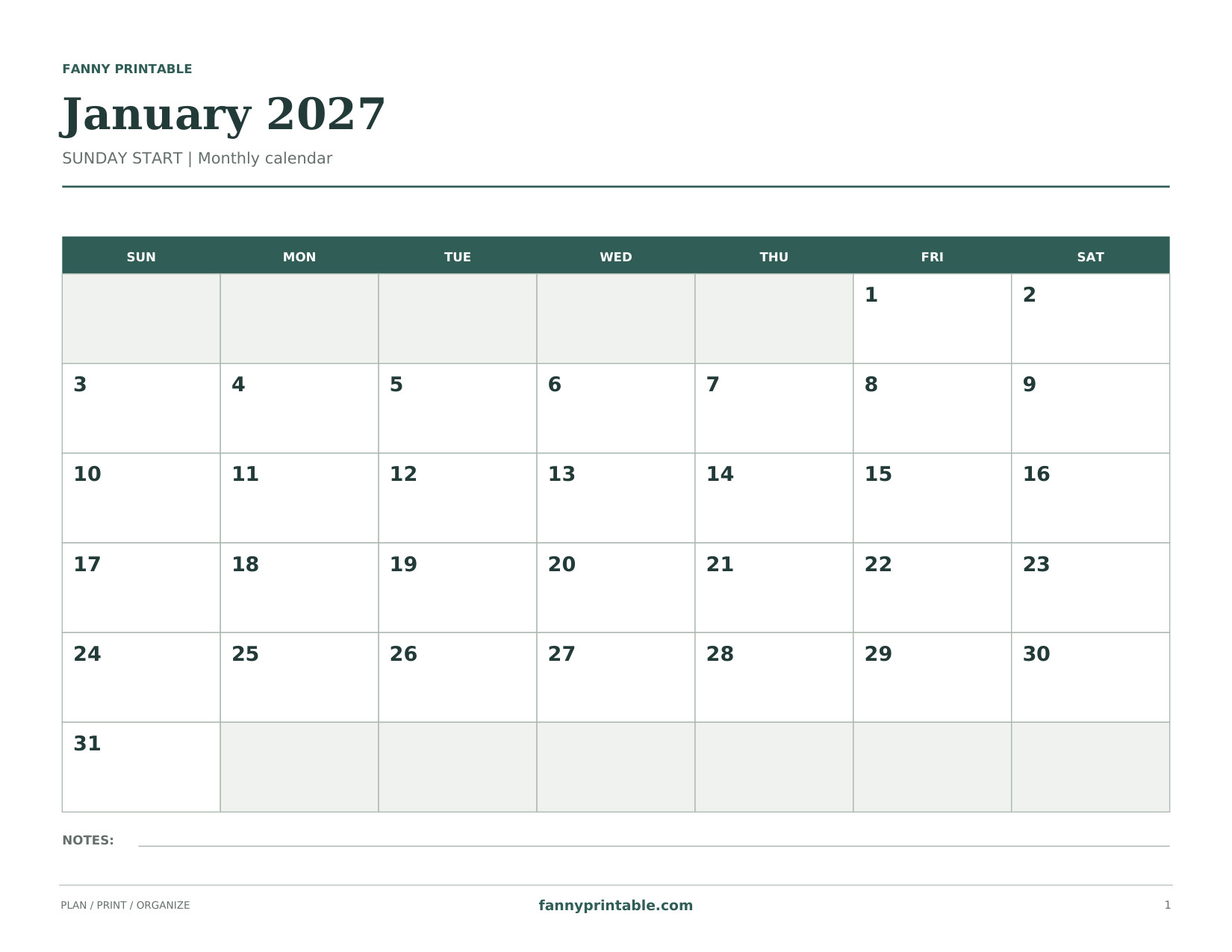
A wide Sunday-start calendar with generous day boxes. Dates match January 2027. No holidays are prefilled.
Download Sunday Landscape PDF
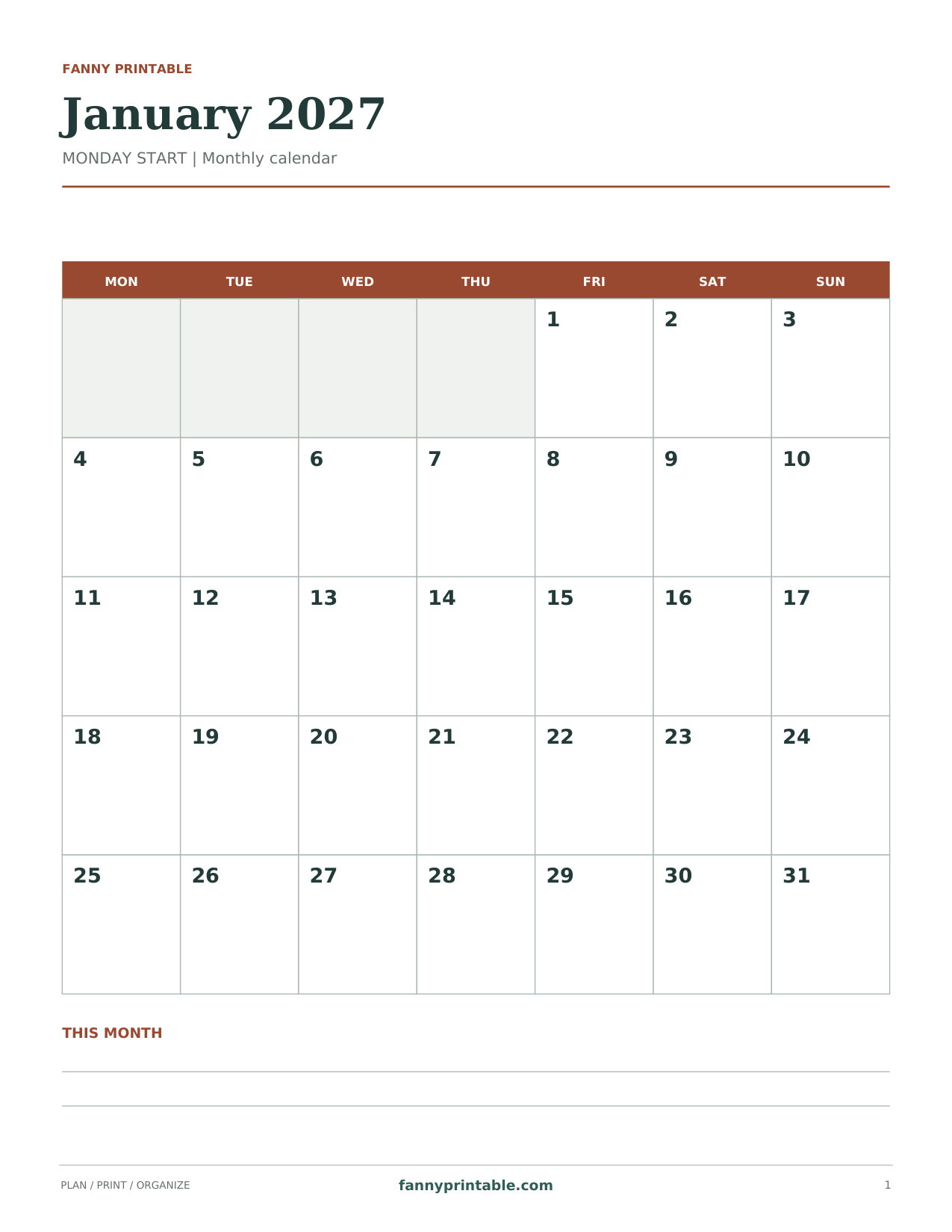
A Monday-start portrait calendar that keeps the weekend together. Dates match January 2027. No holidays are prefilled.
Download Monday Portrait PDF
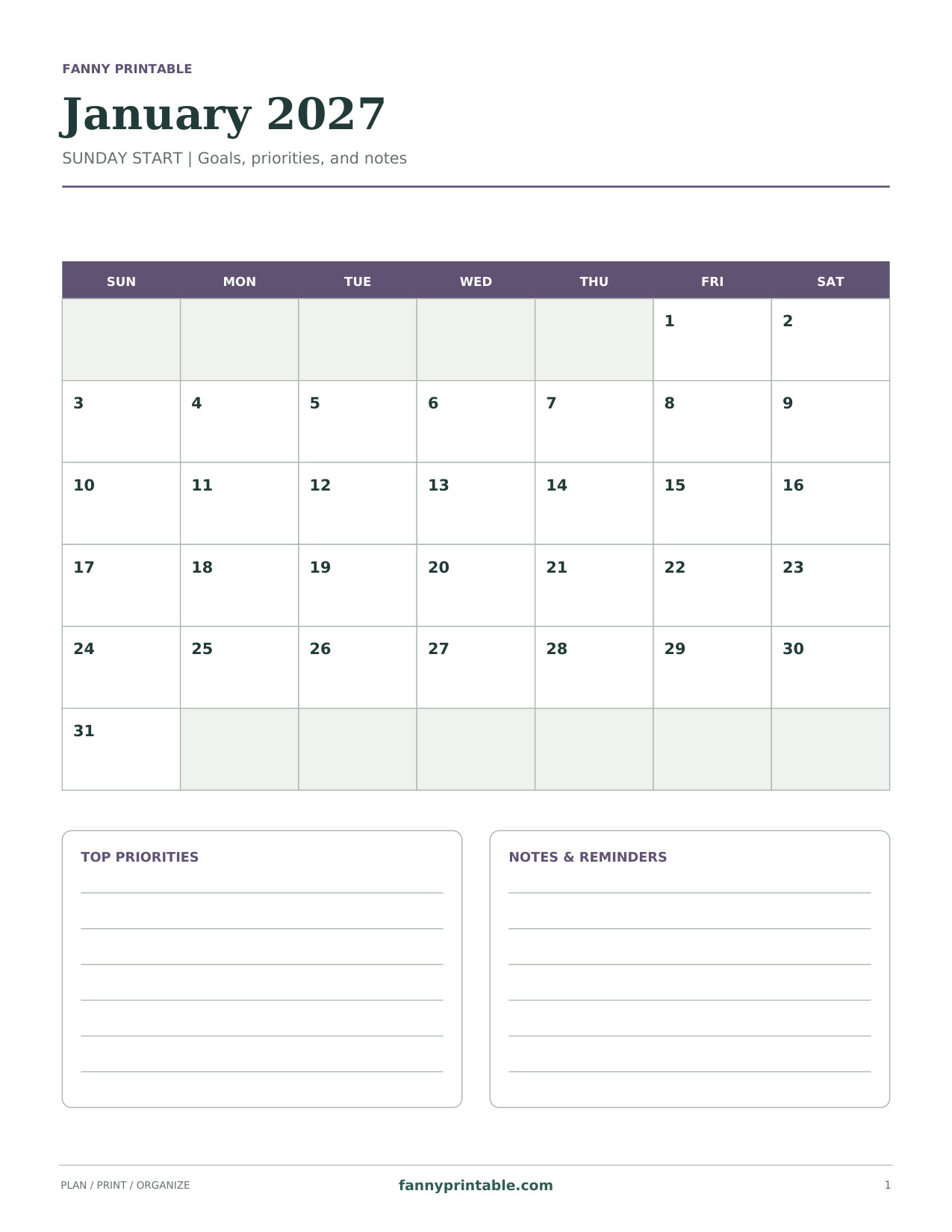
A compact Sunday-start grid above roomy priority and reminder panels. Dates match January 2027. No holidays are prefilled.
Download Goals & Notes PDF
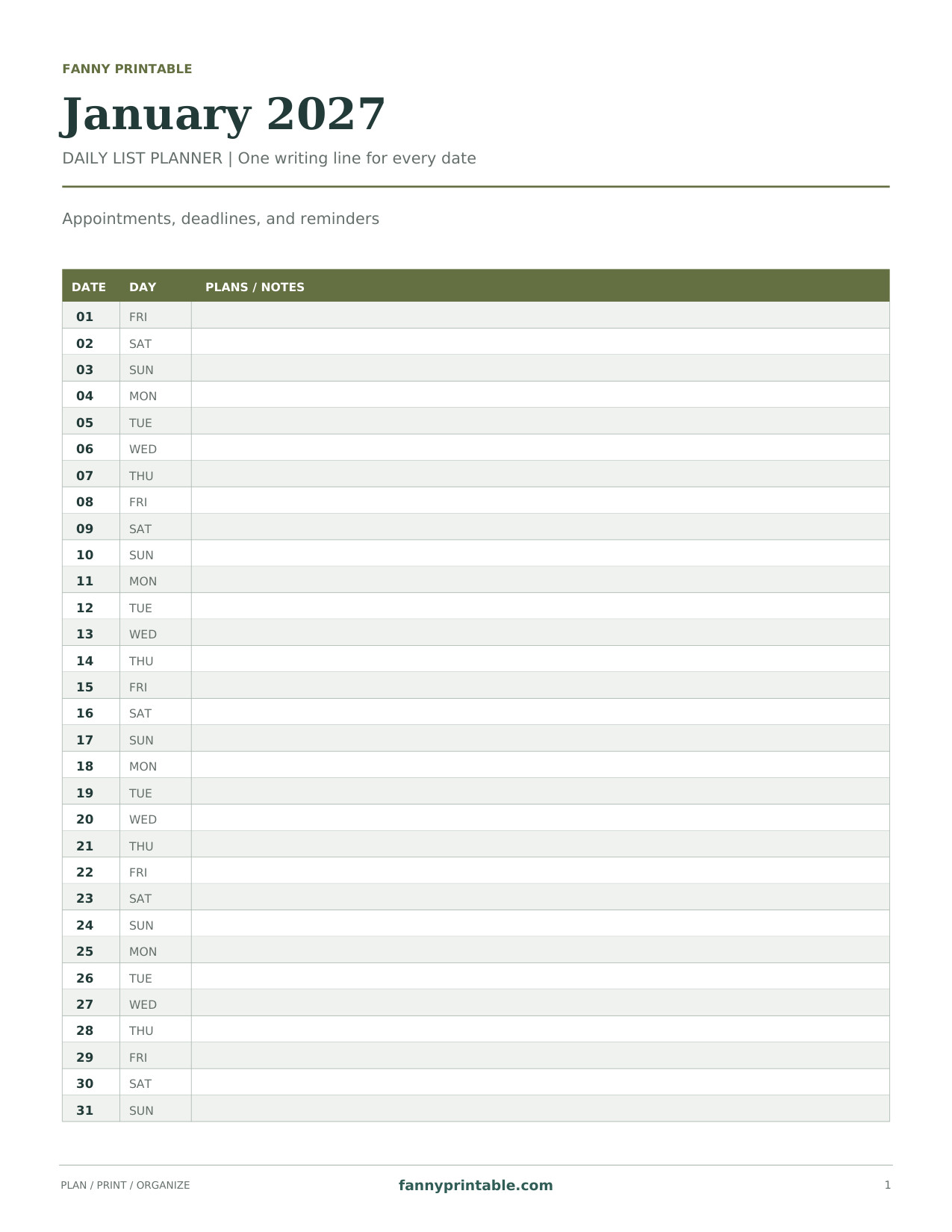
A vertical agenda with 31 date rows and a full-width space for appointments. Dates match January 2027. No holidays are prefilled.
Download Daily List Planner PDF
The January 2027 calendar PDFs have their dates already placed. Holiday names are not prefilled. This keeps the boxes open for your own schedule and lets you add the observances, work closures, and school dates that apply to your household.
January 2027 Dates and Planning Notes
| Date or Detail | What to Know |
|---|---|
| Friday, January 1 | First day of the month; New Year’s Day |
| Monday, January 18 | Martin Luther King Jr. Day on the U.S. federal schedule |
| Sunday, January 31 | Last day of the month |
| Month length | 31 days |
| Print size | US Letter, 8.5 × 11 inches |
The dates for New Year’s Day and the Birthday of Martin Luther King, Jr. appear in the OPM federal holiday schedule. Check your own employer and school calendar before treating either day as a closure.
Choose the Calendar Layout You Will Actually Use
A Monthly Grid for Seeing the Whole Schedule
The Sunday-start landscape page works well on a desk or family noticeboard. Its wide format makes it easy to compare busy days with open days. The Monday-start portrait page is convenient for a binder and keeps the weekend in the last two columns. Choose the start day that matches the calendar you already check most often.
Goals and Notes for a Small Number of Priorities
The goals-and-notes layout gives you space to name your priorities without attaching every idea to a date immediately. Write a short action you can recognize when it is finished. “Book the appointment” is clearer than “get organized,” and “sort one drawer” is easier to schedule than a large project with no defined end.
A Daily List for Detailed Appointments
Use the daily-list planner when your entries need more room than a small calendar box provides. Each date has its own row, which can hold a time, a person, and a short note. Keep directions or long checklists somewhere else and add a simple reference on the daily line.
How to Set Up Your January Planner
- Download the PDF beneath the preview you prefer.
- Print on US Letter paper with the correct orientation and visible margins.
- Transfer confirmed appointments from your existing calendar.
- Add school return dates and work schedules after checking them.
- Choose a few priorities for the month and give the first action a realistic date.
- Review the following week before it begins, then update any changes in pencil.
If you are carrying plans over from December, keep the December 2026 calendar nearby while you copy them. Check the year on appointment confirmations, especially when an event was booked several months earlier.
Useful Things to Track in January
- Recurring appointments and family pickup arrangements.
- School events, extracurricular activities, and confirmed return dates.
- Work shifts, project milestones, and planned leave.
- Household tasks that need a specific day rather than a vague reminder.
- Personal time you want to protect before the month fills up.
Use the notes panel for tasks that can move. When a plan changes, cross it out neatly and write the new date rather than adding arrows across several boxes. One readable page is more useful than a page crowded with every possible intention.
January Calendar Printing Questions
Why Does the Sunday-Start Page Have an Extra Calendar Row?
January 1 falls on Friday and January 31 falls on Sunday. In a Sunday-first grid, January 31 begins a new row. It is an accurate part of the month, not an extra date or a printing error.
Can I Print the Calendar on A4?
Yes. The page is designed for US Letter, so select A4 in your printer settings and choose Fit to keep the full design within the printable area. Check the preview before printing several copies. The writing spaces may become slightly smaller.
Is the PDF Editable?
The files are intended for handwriting after printing. They do not have fillable form fields. You can use the annotation features of your own PDF program if you prefer to type notes onto a copy.
Can I Use the Same Page Next January?
No. This calendar is dated for 2027. Use the matching year so weekdays and dates line up. For later planning within 2027, the March 2027 calendar provides a separate dated page.