Table of Contents
March 2027 calendar printable pages give you a clear place to organize appointments, school events, work commitments, and early-spring plans. March 2027 has 31 days, starts on Monday, and ends on Wednesday. Download the PDF layout that fits your routine, then add your own events to the dated boxes or daily writing rows.
Download a March 2027 Calendar PDF
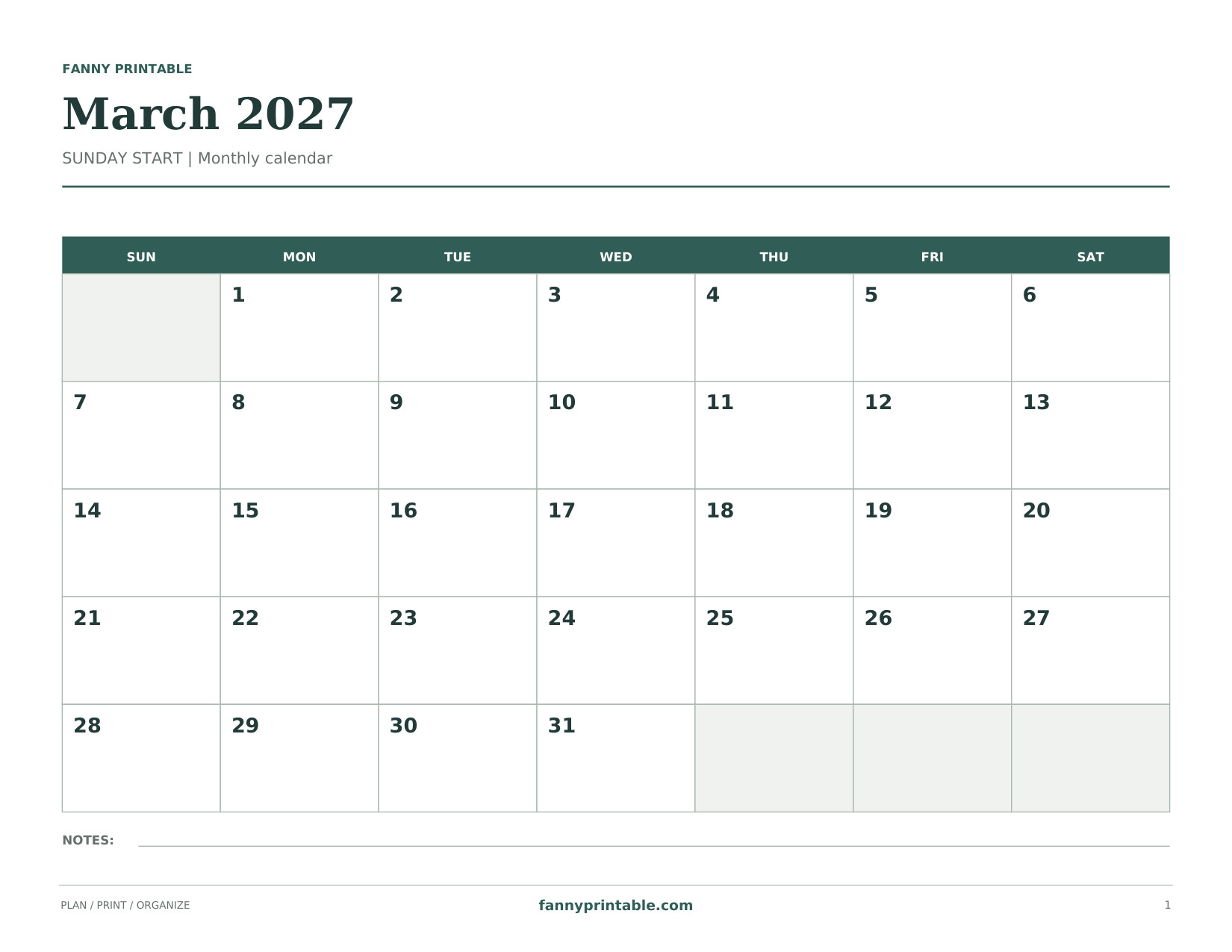
A wide Sunday-start calendar with generous day boxes. Dates match March 2027. No holidays are prefilled.
Download Sunday Landscape PDF
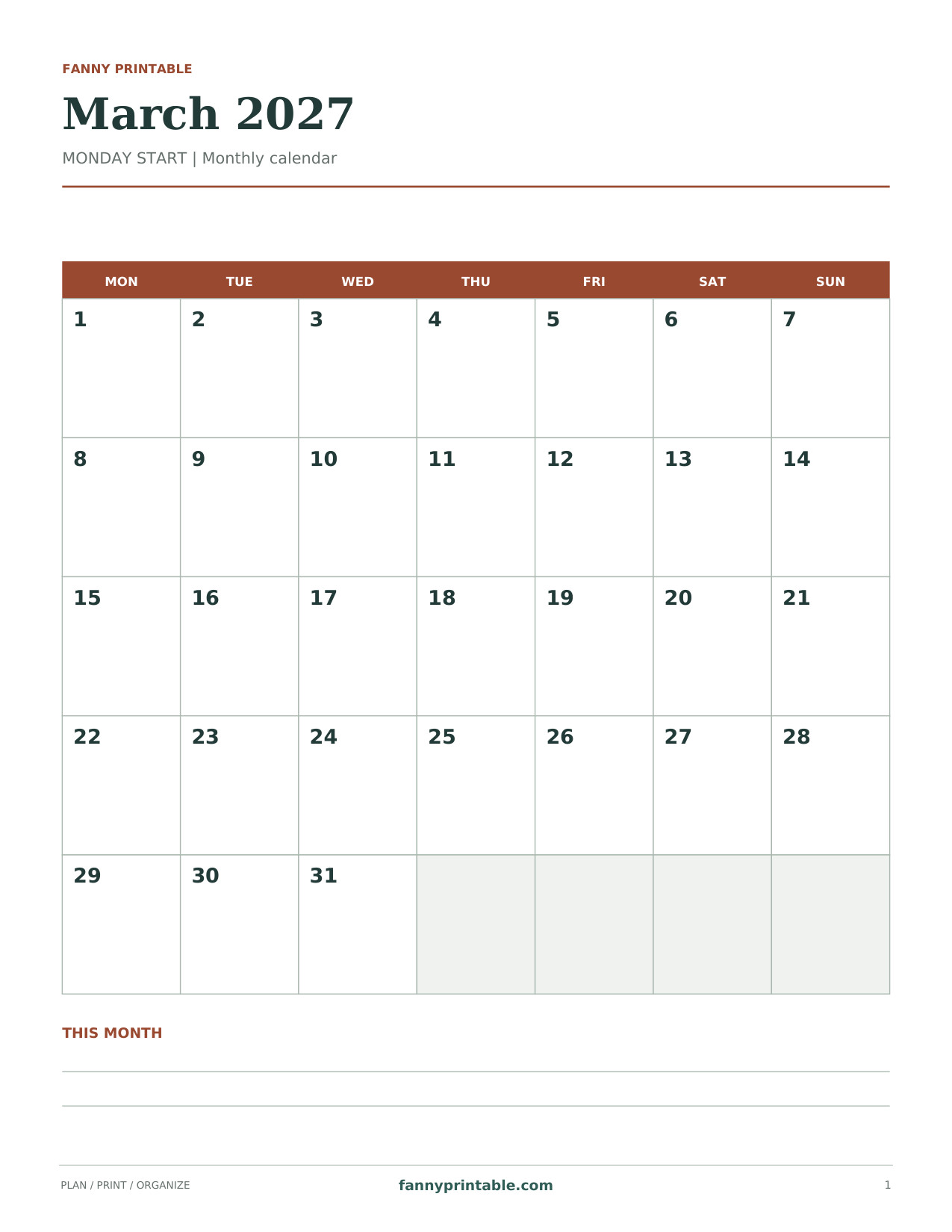
A Monday-start portrait calendar that keeps the weekend together. Dates match March 2027. No holidays are prefilled.
Download Monday Portrait PDF
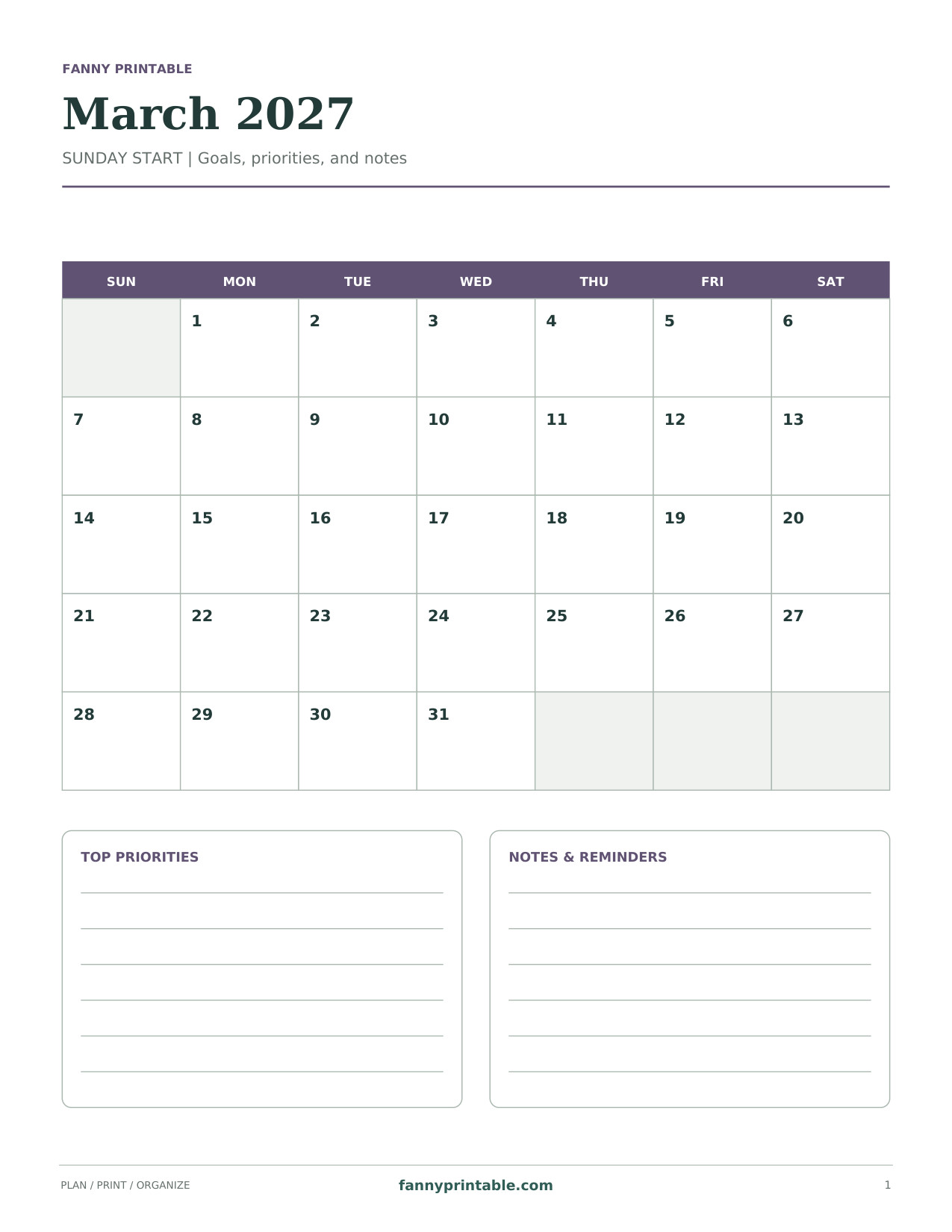
A compact Sunday-start grid above roomy priority and reminder panels. Dates match March 2027. No holidays are prefilled.
Download Goals & Notes PDF
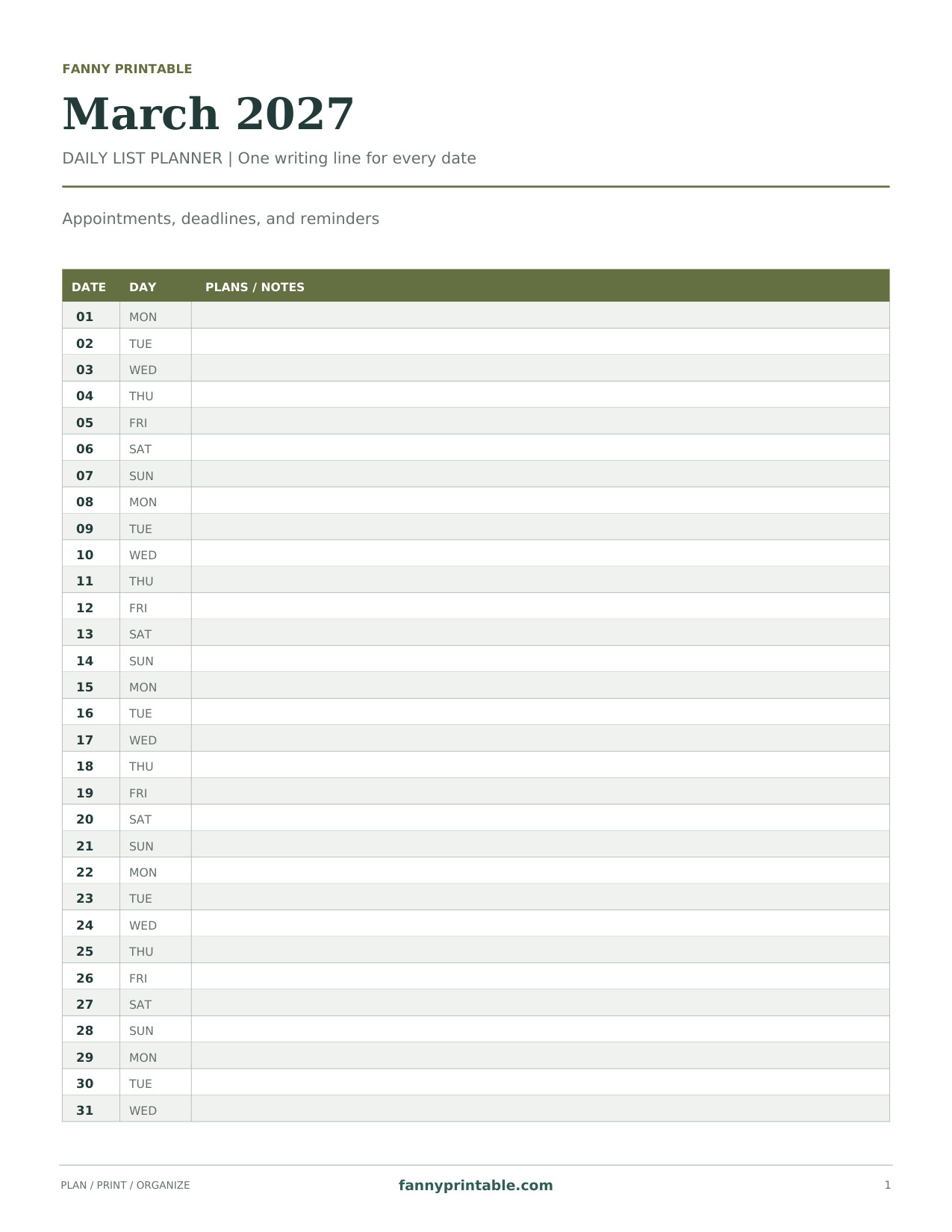
A vertical agenda with 31 date rows and a full-width space for appointments. Dates match March 2027. No holidays are prefilled.
Download Daily List Planner PDF
The pages include a wide Sunday-start grid, a Monday-start portrait grid, a goals-and-notes format, and a daily list. Each is dated for March 2027. Holidays and local events are left blank, so you can fill the page with the dates that apply to you.
March 2027 Calendar Facts
| Detail | March 2027 |
|---|---|
| First date | Monday, March 1 |
| Last date | Wednesday, March 31 |
| Total days | 31 |
| Full Monday-to-Sunday weeks | March 1–7, 8–14, 15–21, and 22–28 |
| Remaining dates | March 29–31 |
| Intended paper | US Letter |
Because March begins on Monday, a Monday-first grid starts neatly at the first box. A Sunday-first grid leaves the first Sunday box empty. Both arrangements are correct. Use the printed weekday headings when transferring an event instead of relying on its position on another calendar.
Plan Around Your Own Spring Schedule
Add School and Work Dates from Their Actual Calendars
Spring breaks and staff schedules vary. Add confirmed dates from your school, employer, or activity organizer before arranging travel or childcare. If a date is still tentative, write it in pencil and mark it clearly. A monthly page is most useful when it distinguishes plans you can rely on from ideas you are still considering.
Give Projects a First Step and a Review Date
March can be a convenient time to revisit a project begun in January. Put one specific next action on the calendar, then add a date to review progress. A small task with an obvious result is easier to plan than a broad instruction such as “finish the house” or “catch up on work.” Use the notes panel for the larger goal.
Keep Room for Changes
Leave some space around busy days. If you write every flexible chore into an appointment box, changing one event can force you to rewrite the entire week. Keep movable jobs in the notes area, then transfer them to dates when you know your available time.
How to Print the March Calendar
- Open the PDF beneath the calendar preview.
- Select Letter paper and the orientation shown by the design.
- Check that the month title, last row, and footer remain visible in print preview.
- Use 100% or Actual Size when the margins fit. Choose Fit if your printer clips an edge.
- Print a single copy and confirm the writing spaces are large enough for your needs.
- Add events using short descriptions and consistent initials or colors.
If you want a full month visible at a glance, start with the landscape grid. For a narrow clipboard or binder, the portrait layouts are easier to store. The daily agenda works well when each appointment needs a person’s name, a time, and a short instruction.
Ideas for Using the Calendar at Home or Work
- Mark shared appointments before adding individual reminders.
- Write preparation tasks a day or two before the event they support.
- Keep household maintenance dates separate from an open-ended task list.
- Add project review dates instead of filling every day with the same goal.
- Use a small symbol to distinguish confirmed events from tentative ones.
A weekly review only needs a few minutes. Read the next seven dates, check that times still match your confirmations, and move any unfinished flexible tasks deliberately. If something no longer matters, remove it rather than carrying it forward automatically.
March 2027 Printable Calendar Questions
Are Holidays Included on the Calendar?
No holiday names are preprinted. The date grid is ready, and you add the observances relevant to your location, school, workplace, or family. Confirm any opening hours separately before making plans around them.
Can I Print More Than One Copy?
Yes. A shared household page and a separate personal page can be useful if each has a clear purpose. Keep important shared events consistent between copies, and choose one place where changes are recorded first.
Does the PDF Have Fillable Fields?
No. These are print-and-write pages. A PDF annotation program may let you add text to your own copy, but interactive fields are not built into the files.
What if I Need a Different Month?
Use the page for the correct month and year instead of crossing out the title. The January 2027 printable calendar is available for earlier plans. If you are collecting reusable year-end pages, the undated December calendar templates let you place dates yourself.